

A dead speaker is one of the few hardware faults that can survive months of daily use without being noticed. Not because it’s subtle, but because almost nothing you play would reveal it.
That’s the problem worth understanding before you test anything.
Why music hides a dead channel
Mixed audio puts most of its content in both channels. Vocals, bass, kick drum: all centered, which in a stereo mix means identical signal on the left and the right. Lose one speaker entirely and the track still plays. It gets quieter and narrower, you turn the volume up, and you move on.
Laptop speakers make this worse. They sit a few centimetres apart, often firing downward into the desk, and the reflected sound arrives at both ears anyway. Stereo separation on a laptop is close to a rounding error even when everything works.
The speaker test above plays a 440 Hz sine tone panned fully to one side for 1.4 seconds, then fully to the other. A pure tone with hard panning is the one signal that cannot be faked by the working speaker. Nothing plays on the silent side, so silence means silence.
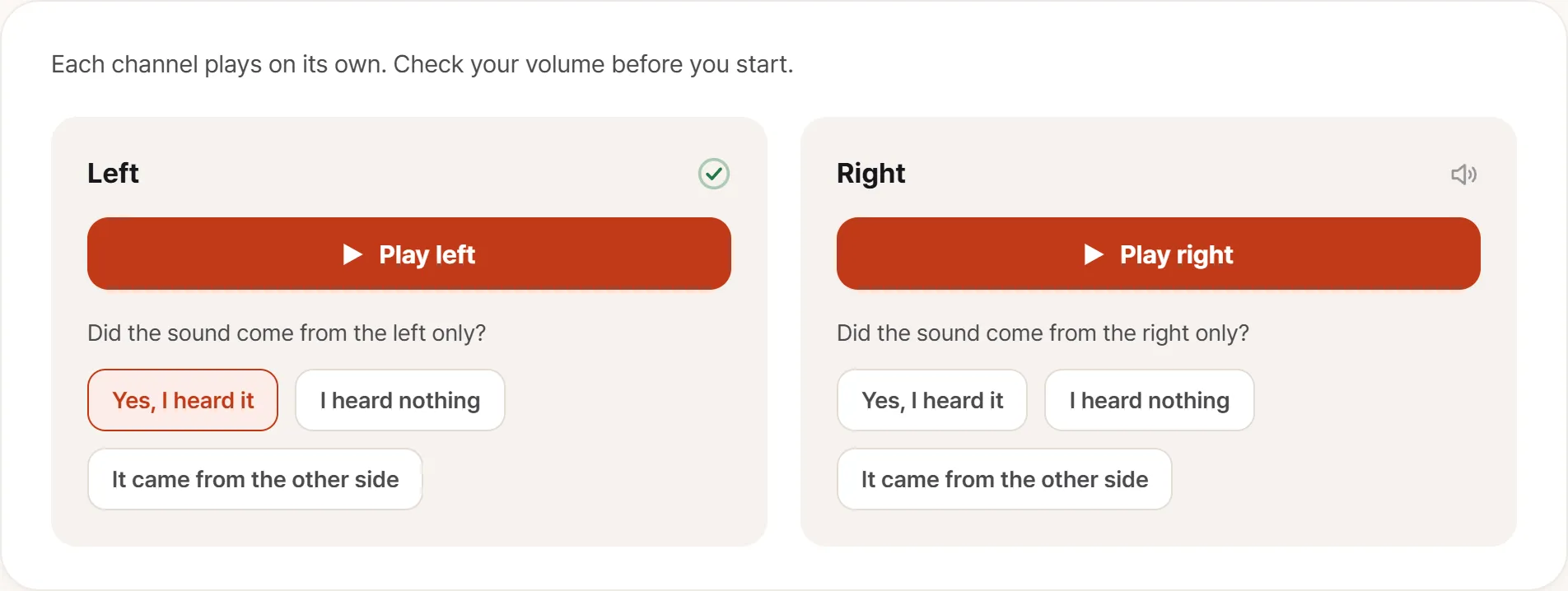
The split matters. You answer for one side immediately after hearing it, so which channel failed ends up recorded rather than remembered. The separate “it came from the other side” answer exists because reversed channels are usually a cable or a setting, not a broken speaker.
There are three answers per side rather than two (heard it, didn’t hear it, heard it on the wrong side) because reversed wiring is a real assembly fault, and a pass/fail question would file it as “working.”
If you genuinely can’t tell which side a tone came from, move your ear close to each speaker grille and run it again. That’s not a failure of the test; it’s a laptop.
Rule out software first
Roughly half of “my speakers are broken” is configuration. Four checks, in this order:
Output device. Bluetooth earbuds still paired in a drawer, or an HDMI monitor with speakers, will quietly take the audio stream. The laptop is silent because nothing is being sent to it. Open the system sound settings and confirm the active output is the internal speakers.
Per-application volume. Windows’ volume mixer and macOS’ per-app controls can leave one application near zero. “Only YouTube is quiet” is almost always this.
Audio processing. Spatial audio, Dolby profiles, and manufacturer audio utilities apply presets that can genuinely make a machine sound broken. Bass enhancement in particular pushes small drivers into distortion at high volume. Turn all of it off and listen again.
Headphone jack detection. If the jack sensor sticks, the system believes headphones are still connected and the internal speakers stay muted forever. Insert and remove a plug a few times and check nothing is seated halfway. This is a hardware fault, but not a speaker fault. Worth knowing which one you’re reporting.
What only your ears can catch
The tone test answers one question: does each side produce sound. Everything below needs a familiar track and a quiet room.
Crackle or buzz. A damaged diaphragm, debris behind the grille, or an amplifier being driven past its limit. The useful diagnostic: lower the volume. If it disappears, you were hearing clipping, which means that volume is beyond what the machine can cleanly produce. If it persists at low volume, something physical is wrong.
A rattle on specific notes. If it only appears during bass-heavy passages, suspect the chassis rather than the speaker: a loose component resonating at a particular frequency. Press gently on the laptop’s base while replaying the same passage. If the sound changes, it’s assembly, not audio.
Maximum volume that seems low. Hard to judge without an identical machine to compare against. Use headphones as the reference instead: if the same track is plenty loud through the jack, the fault is downstream of the shared audio path, in the output stage or the driver.
One side quieter or duller. Both channels can pass the tone test while sounding different. A mono voice recording makes this obvious: play a podcast and cover each speaker in turn.
Isolating where the fault lives
The signal path runs source → application → system → amplifier → speaker. Three substitutions tell you how far down it survives:
- A different source. A local file, a streaming site, a system alert sound. A problem on only one of them belongs to that file or that app.
- Headphones. Same noise through headphones means the fault is upstream of the speaker units themselves.
- A different application. Noise in one browser only is that browser’s audio pipeline.
Each swap changes exactly one segment, which is why they narrow things down faster than repeating the same test louder.
Writing it down
Five things make a support conversation short:
- Which side
- What kind of sound: silent, crackle, rattle, quiet, dull
- Under what conditions: above a given volume, on specific material, constantly
- Whether headphones do it too. This is the single most useful line, because it splits amplifier faults from driver faults
- A short video with sound. Noise is the hardest symptom to describe in words and the easiest to record. A phone microphone held near the grille in a quiet room captures it well enough to be convincing
Check it on day one
Speaker faults are found late. The first days go to setup and file transfers with the sound off, then headphones take over, and by the time anyone plays music through the laptop it has been weeks. At that point you can’t answer the one question that matters, and neither can anyone else: was it like this out of the box?
Two channels, one tone, one familiar track. Two minutes, on the day it arrives.